 NewVIDEO▶ Preview
Video • Card • Website invitations
Make your wedding invitation video in 5 minutes
Pick a design, type the names and the wedding date — every function fills itself in, and you watch the invitation come alive while you type. In English or Hindi. Ready for WhatsApp.
Free previewPay only to downloadEnglish & HindiHD for WhatsApp
Live preview — your names appear here
🔒 Secure payment⚡ Instant HD download✍️ Edit 3 times free🇮🇳 Made for Indian weddings💬 Help on WhatsApp
Invitations for every celebration
Weddings first — more celebrations are on the way.
Create your invitation in 3 easy steps
1
Choose a design
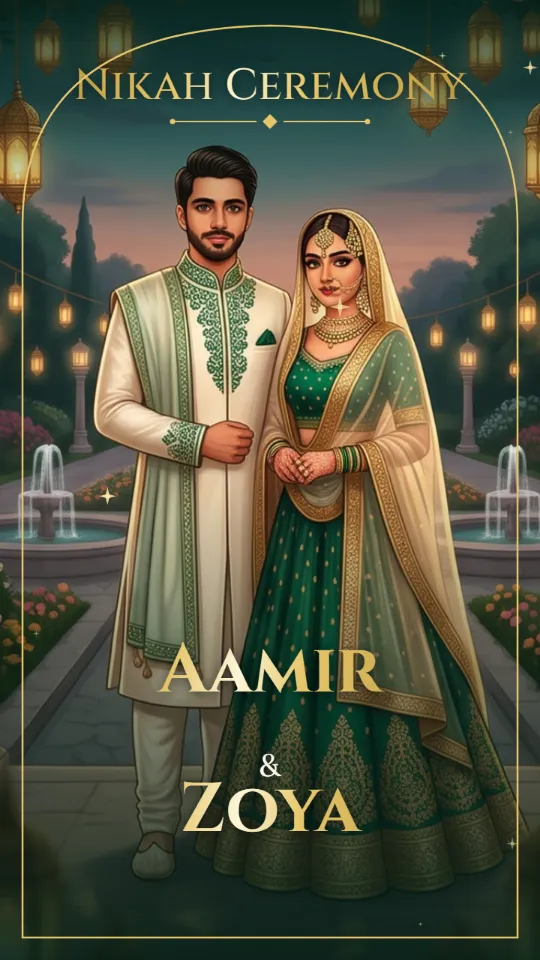
Royal, traditional, pastel or Nikah — filter by culture, language and price.
2
Type a few details
Names, family and the wedding date. Pick a quick fill and every function gets its date and time.
3
Pay & download
Show the free preview to your family. When everyone likes it, pay and download the HD video.
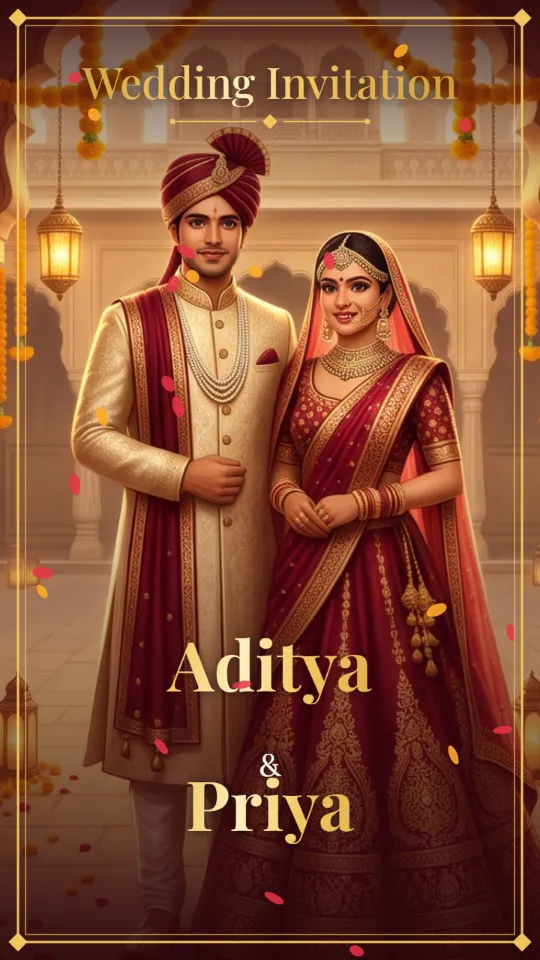
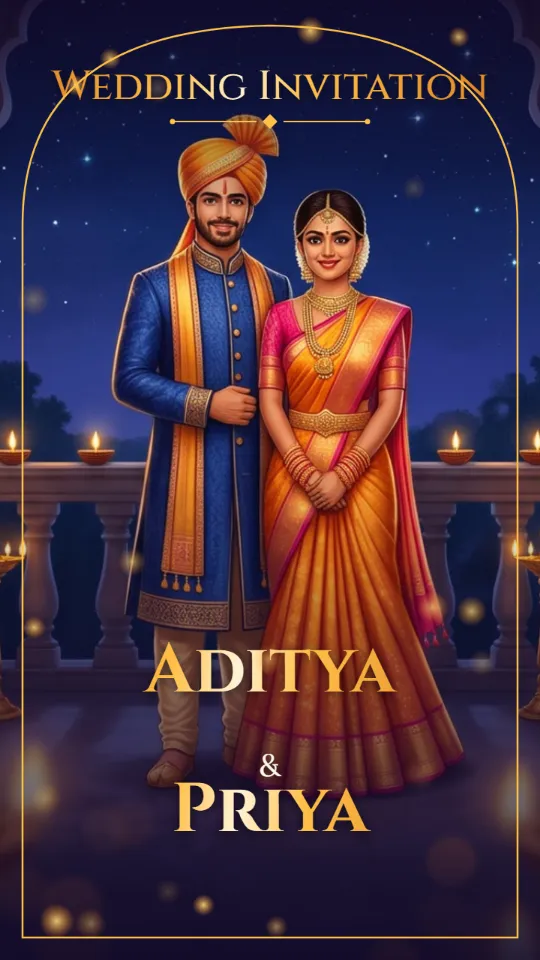
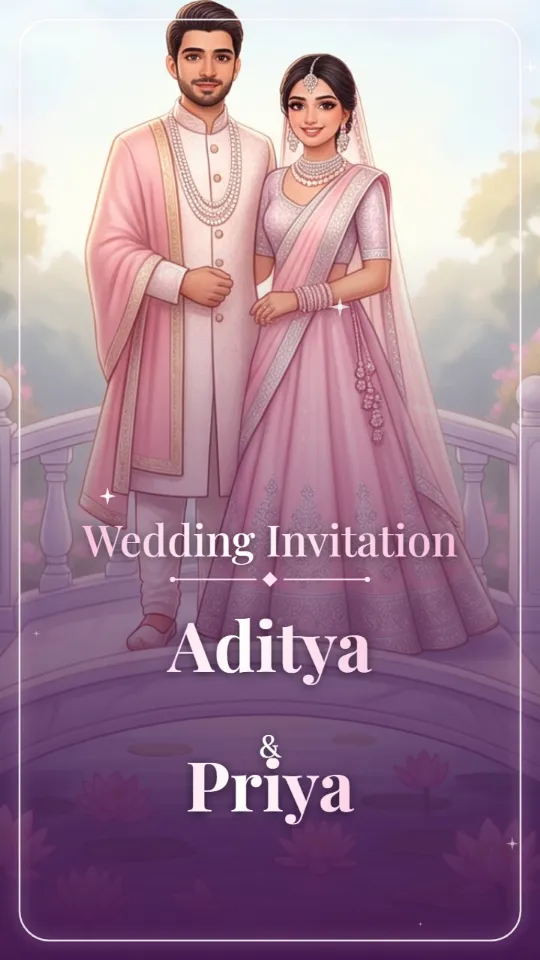
Popular wedding invitation videos
Tap a design to watch it, or edit it straight away.
Live demo — tap and scroll inside
New · Invitation website
Your own wedding website
Send one link on WhatsApp. Guests open carved palace doors, see every function with a map, watch the countdown and reply in one tap.
- Opening palace doors with music
- Your names + scratch-to-reveal date
- Live countdown to the wedding
- Every function with map & calendar buttons
- Photo gallery
- RSVP straight to your WhatsApp
Only 6 things to type
No photo upload, no design work. Leave anything empty and the preview still looks complete while you decide.
- Who is inviting — groom's or bride's side
- Groom's name
- Bride's name
- Both parents' names
- The main wedding date
- The venue (once, for all functions)
Why families choose InviteKaro
See it while you type
No waiting for a preview. Every letter you type shows up in the video at once.
Big, clear text
Names, dates and venues are large and easy to read on any phone — even for grandparents.
The right blessings
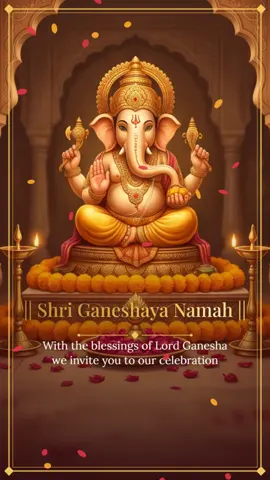
Ganesh shloka for Hindu weddings and Bismillah for Nikah, in English or Hindi.
Private by default
No family photos needed for wedding videos. Your details stay with you.
One clear price
The price on the design is what you pay. Extras are optional and shown before payment.
Ready for WhatsApp
HD 9:16 MP4 with music — for chats, Status, Reels and Shorts.
Questions families ask
Is it free to try?
Yes. You can choose a template, type all your details and watch the full preview for free. You pay only when you want to download the final video without the watermark.
Can I make the invitation in English and Hindi?
Yes. Every template works in English and in Hindi. Choose the language at the start of the editor and type your details in that language.
How long does it take?
Most people finish in about 5 minutes. Enter the wedding date once and the dates of all functions are filled for you. The preview updates while you type, and the HD video is ready right after payment.
Do I need to upload our photos?
No. Wedding videos come with beautiful ready artwork, so you only type names and details. This also keeps your family photos private.
Can I add more than one function?
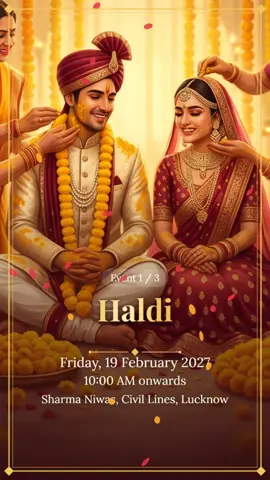
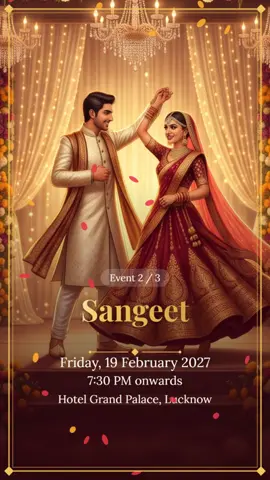
Yes. You can add up to 7 functions such as Haldi, Mehndi, Sangeet, Wedding, Nikah and Reception in one video.
Can I change the music?
Yes. Pick one of our wedding tunes or use your own song file from your phone.
Can I edit after payment?
Yes. You can correct names, dates and venues and download again 3 times at no extra cost.
Will it play on WhatsApp?
Yes. You get an MP4 video in 9:16 size that plays on WhatsApp, WhatsApp Status, Instagram Reels and YouTube Shorts.
Are there hidden charges?
No. The price on the template is the price you pay. Extras like a card photo or a Shagun QR are optional and shown separately before payment.
Still have questions?
We're happy to help with choosing a design, typing details or payment.